Know what matters today.
Tasks, routines and plans in one view, so the next meaningful step is obvious without opening five apps.
Today, tasks, checklists
 iCharlesSubscribe
Tasks, calendar, routines, goals and notes in one private place, in the browser and on iPhone. In private preview; launch news goes out in the Friday newsletter.

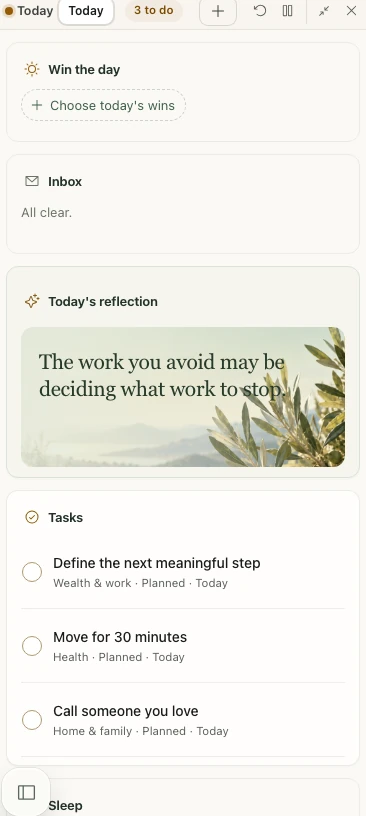
Check something off, add a task, start over. It behaves the way Life OS does, and nothing leaves this tab.
All clear.
Your day has more to it than a to-do list. Life OS connects the small things you do with the bigger things you care about.
Tasks, routines and plans in one view, so the next meaningful step is obvious without opening five apps.
Today, tasks, checklists
Connect goals to practical actions, make room for them in your calendar, and watch the days add up.
Goals, planning, reflection
Capture an idea, build a checklist or give a longer piece of writing room to grow, all in your private workspace.
Notes, documents, your library
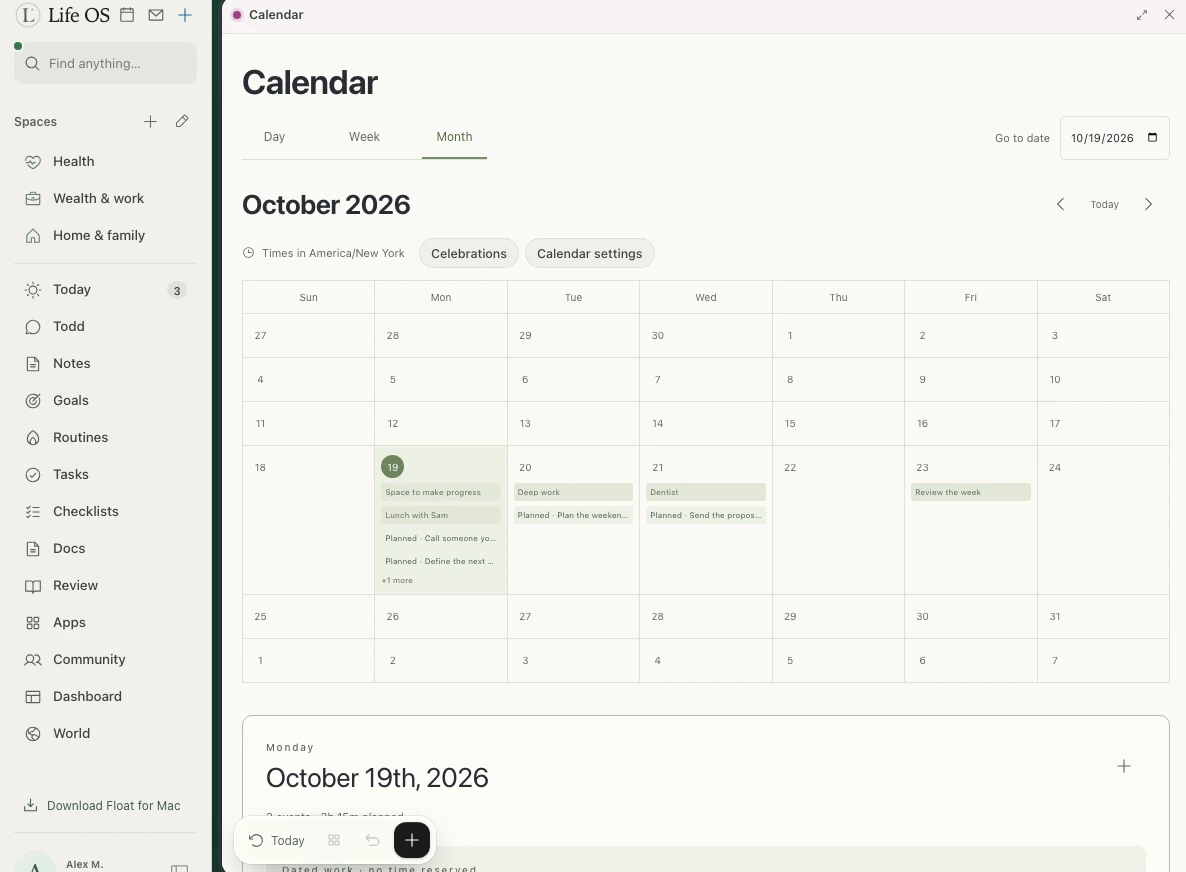
See what’s ahead and make space for focused work, a walk, a conversation, or the thing you keep meaning to start.
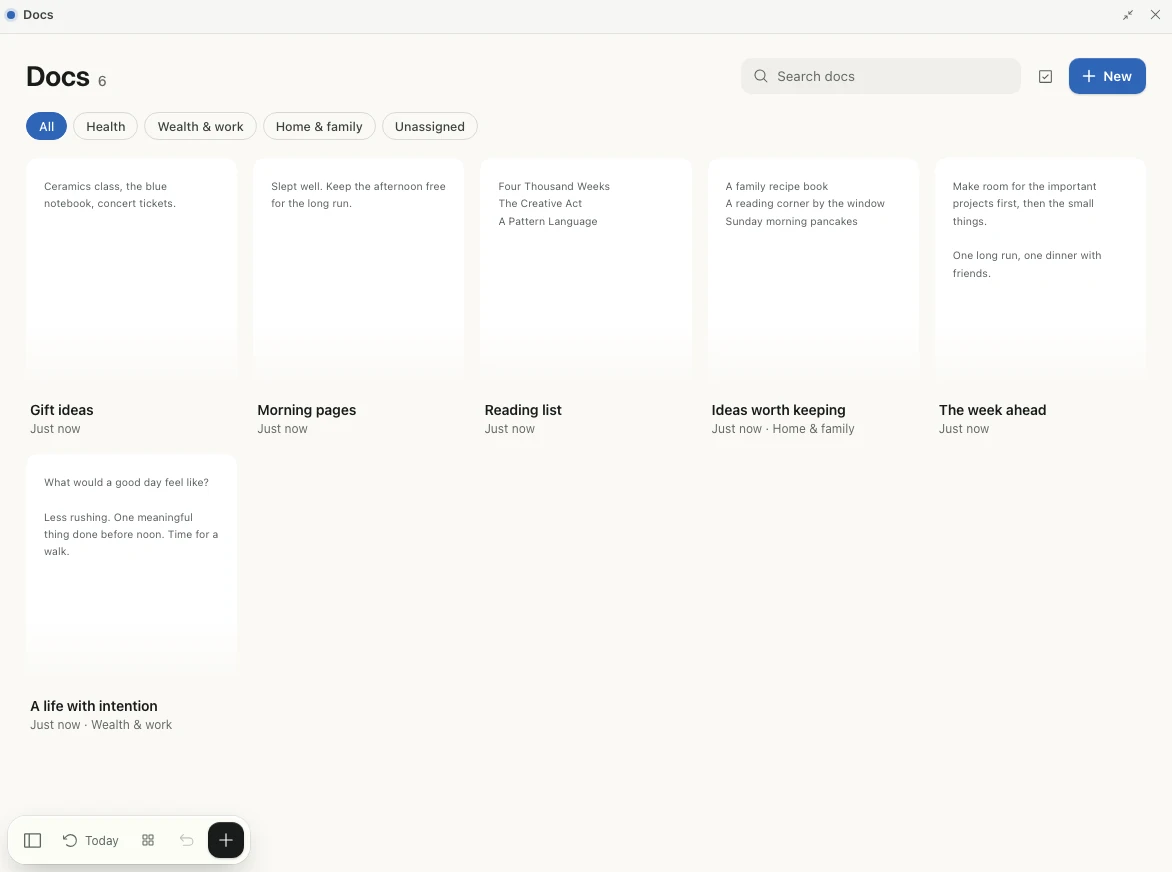
Notes you want to find again, routines worth repeating, and ideas you’re still working out. Yours to shape and keep.
Not yet. Life OS is in private preview. Subscribe and you’ll hear in the newsletter when it opens.
Life OS has a responsive browser experience and a native iPhone app. The browser adapts to phones, tablets, laptops and desktops. Your connected devices use the same private workspace.
You get one email to confirm. After that you’re on the Friday newsletter, which is where the launch news goes. It doesn’t create an account or start a paid subscription.
It’s stored privately, managed by me, and used only for what you tick. Every email includes an unsubscribe link.